
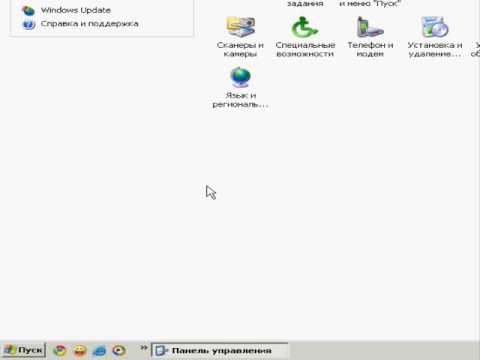
For Windows XP and earlier versions:
For Windows Vista and Windows 7:
Universal method:
1. Press and hold the Windows key on the keyboard (the window on the key), and without releasing the first key, press the Latin (English) letter R key
2. In the window that appears, type cmd
3. Press Enter or the OK button
4. In the black window that appears, type ipconfig /all
5. Look for the line – IPv4* – here is your IP.
*There may be several of them, but most likely you will have one.